
KY IPTV – Reliable Live TV Streaming & Flexible Subscription Plans
Welcome to KY IPTV, your dedicated live TV and video streaming service delivering high-definition broadcasts, live sports, international entertainment, and on-demand media directly to your favorite devices.
Global Channels, Live Sports & Huge VOD Catalog
Explore a rich media library designed for sports enthusiasts, film lovers, and households looking for high-definition broadcasts without legacy cable hardware.
Live Television Broadcasts
Stream news networks, local affiliates, documentary broadcasts, general entertainment, and specialty channels worldwide.
Live Sports Coverage
Follow top-tier football, basketball, motorsport, tennis, combat events, and regional sports networks with low latency.
Video-on-Demand (VOD)
Watch feature films, multi-season television series, and documentaries on-demand with pause, resume, and subtitle support.
FHD & 4K Quality Feeds
Optimized H.264 & HEVC/H.265 video encoding delivers crisp image resolution without excessive buffering.
Electronic Program Guide (EPG)
Plan your viewing effortlessly with structured timeline guides. See what program is currently airing and review upcoming schedule information.
M3U & Xtream Codes Protocols
Receive standard server URLs, username, and password credentials compatible with premier third-party streaming media player applications.
Popular Channel Networks & Regional Feeds
Access thousands of live television stations grouped into organized channel categories:
Why Choose KY IPTV: Stream Stability & Open Compatibility
Our platform prioritizes technical reliability, high-bandwidth server capacity, and open player protocols rather than proprietary hardware lock-ins.
Universal Player Compatibility
Connect via industry-standard Xtream Codes API or M3U playlist URLs. Freely choose your preferred streaming player including TiviMate, IPTV Smarters Pro, XCIPTV, or Smart IPTV.
Real-Time Electronic Program Guide
Automated EPG synchronization delivers accurate channel metadata, program titles, episode descriptions, and start-to-finish air times directly within your player guide.
Multi-Screen and Device Flexibility
Stream on Amazon Fire TV Stick, Android TV, Google TV, Samsung Smart TV, LG webOS, Apple iOS, Windows PC, or Mac. Multi-device plans support up to 5 concurrent screens.
Direct Digital Activation
Upon subscription confirmation, your streaming credentials (portal URL, username, password, and M3U link) are delivered directly to your email so you can start watching right away.
Dedicated Technical Support
Get direct assistance with playlist configuration, DNS setup, and player installation steps through email and Telegram whenever you need guidance.
Flexible No-Contract Billing
Choose from 1, 3, 6, or 12-month prepaid terms with zero equipment rental fees, no automatic lock-in renewals, and full control over your plan.

Anti-Freeze Streaming Architecture
Our streaming network utilizes adaptive bitrate streaming (ABR), intelligent CDN routing, and optimized packet delivery to minimize buffering during live 60 FPS sports broadcasts and prime-time viewing hours.
Stream Seamlessly Across All Your Devices
No expensive proprietary receivers required. Your subscription integrates with standard media players across smart television ecosystems, streaming sticks, computers, and mobile devices.
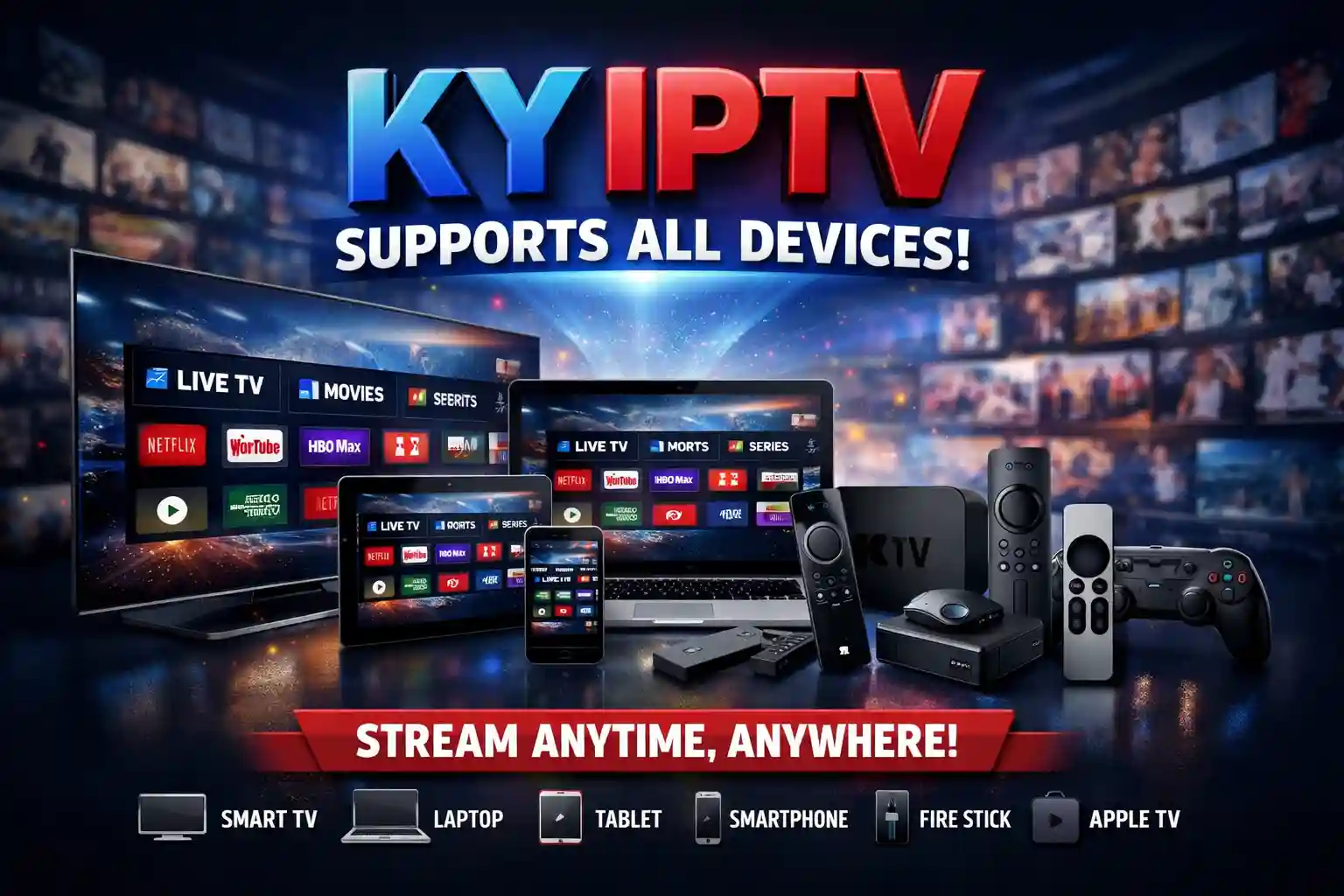
Amazon Fire TV / Firestick Setup
For Amazon Fire TV Stick (4K and 4K Max), dedicated streaming players like TiviMate and IPTV Smarters Pro provide hardware-accelerated decoding, responsive EPG timelines, and smooth channel switching.
- Install the "Downloader" application from the official Amazon Appstore.
- Download and install your chosen IPTV player APK (e.g., TiviMate or IPTV Smarters Pro).
- Open the player and choose "Login with Xtream Codes API" or "Load M3U Playlist".
- Enter your server URL, username, and password received in your confirmation email.
KY IPTV Subscription Plans by Duration and Devices
Compare our flexible packages below. Select simultaneous streaming connections (from 1 to 5 devices) to enjoy +18,000 live channels and +88,000 VOD titles across your household.
1 Month
- +18,000 Live Television Channels
- +88,000 Movies & TV Series (VOD)
- 1 Device Connection
- High Definition FHD & 4K Feeds
- Xtream Codes API & M3U Playlist
- Electronic Program Guide (EPG)
- 24/7 Dedicated Support
3 Months
- +18,000 Live Television Channels
- +88,000 Movies & TV Series (VOD)
- 1 Device Connection
- High Definition FHD & 4K Feeds
- Xtream Codes API & M3U Playlist
- Electronic Program Guide (EPG)
- 24/7 Dedicated Support
6 Months
- +18,000 Live Television Channels
- +88,000 Movies & TV Series (VOD)
- 1 Device Connection
- High Definition FHD & 4K Feeds
- Xtream Codes API & M3U Playlist
- Electronic Program Guide (EPG)
- 24/7 Dedicated Support
12 Months
- +18,000 Live Television Channels
- +88,000 Movies & TV Series (VOD)
- 1 Device Connection
- High Definition FHD & 4K Feeds
- Xtream Codes API & M3U Playlist
- Electronic Program Guide (EPG)
- 24/7 Priority Support & Activation
How Setup and Activation Works
Getting started with KY IPTV takes just a few minutes using standard media players across your smart TVs, streaming sticks, and mobile devices.
Select Subscription Plan
Pick your preferred duration (1, 3, 6, or 12 months) and desired number of concurrent connections (up to 5 devices).
Receive Setup Credentials
Get your unique server URL, username, password, and complete M3U playlist link delivered digitally to your inbox immediately.
Install Your Preferred Player
Install a proven player such as TiviMate, IPTV Smarters Pro, or Smart IPTV on your device from the official store.
Input Credentials & Stream
Enter your Xtream Codes or M3U link to synchronize the full channel line-up and start watching live TV immediately.
Account Access & Xtream Codes Setup
Every subscription includes universal authentication credentials so you can sign in across any standard media player using either the Xtream Codes API or a direct M3U Plus playlist URL.
Immediately after checkout on ky-iptv.us, your automated setup package provides three core connection parameters:
- Server Host / Portal URL: Your dedicated low-latency streaming gateway address
- Username & Password: Unique Xtream Codes credentials tied to your active plan
- M3U Plus & EPG Links: Direct playlist and XMLTV program guide URLs for one-click import
Sample Xtream Codes Format
Standard Player Authentication FieldsPlayback Diagnostics & Buffering Troubleshooting
If a channel pauses or fails to load on your device, the issue is usually tied to local Wi-Fi packet loss, full application cache on your streaming stick, or ISP DNS filtering rather than a central server outage. Use our interactive 5-step checklist below to restore smooth playback.
1. Verify Internet Speed & Restart Router
HD feeds require 25+ Mbps. Power cycling your Wi-Fi router clears stale DNS tables and latency spikes.
2. Check for ISP DNS Blocking or Throttling
Change your device DNS to Cloudflare (1.1.1.1) or Google DNS (8.8.8.8), or test with a VPN enabled.
3. Clear Application Cache on Firestick or TV
Go to Settings > Applications > Manage Installed Applications > Your IPTV App > Clear Cache.
4. Reload Channel Playlist & TV Guide (EPG)
In your player app settings, click "Update Channels" and "Update EPG" to refresh stream tokens.
5. Verify Active Subscription Credentials
Ensure your subscription duration has not elapsed and that concurrent device limits are respected.
Common Questions About Setup, Devices & Plans
Clear, honest answers about setup, compatible devices, streaming speeds, and plans.
Start Streaming Live Television Today
Join thousands of viewers enjoying +18,000 live channels and +88,000 movies and series across all your screens with instant digital activation.