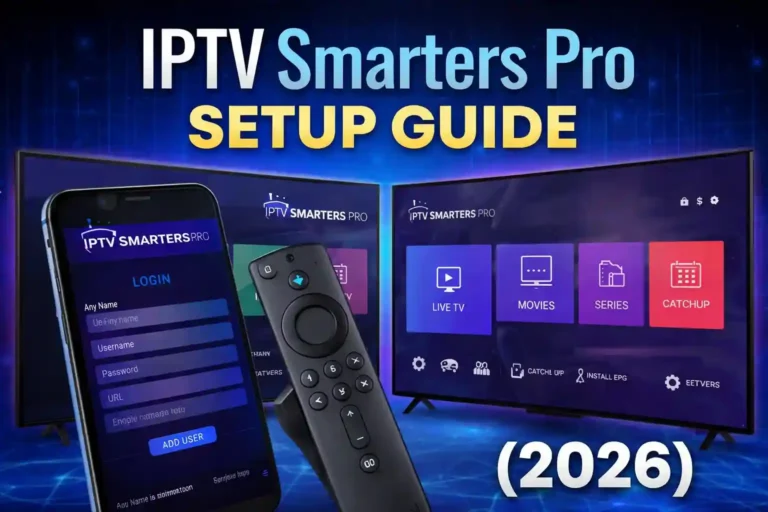
IPTV Smarters Pro is one of the most popular IPTV apps used to watch live TV, movies, and series on multiple devices.
This complete 2026 guide explains how to set up IPTV Smarters Pro step by step, from installation to login and optimal settings.
This guide works on:
Before setting up IPTV Smarters Pro, make sure you have:
IPTV Smarters Pro is not always available in the Amazon App Store.
To install it:
📌 Make sure Apps from Unknown Sources is enabled on Firestick.
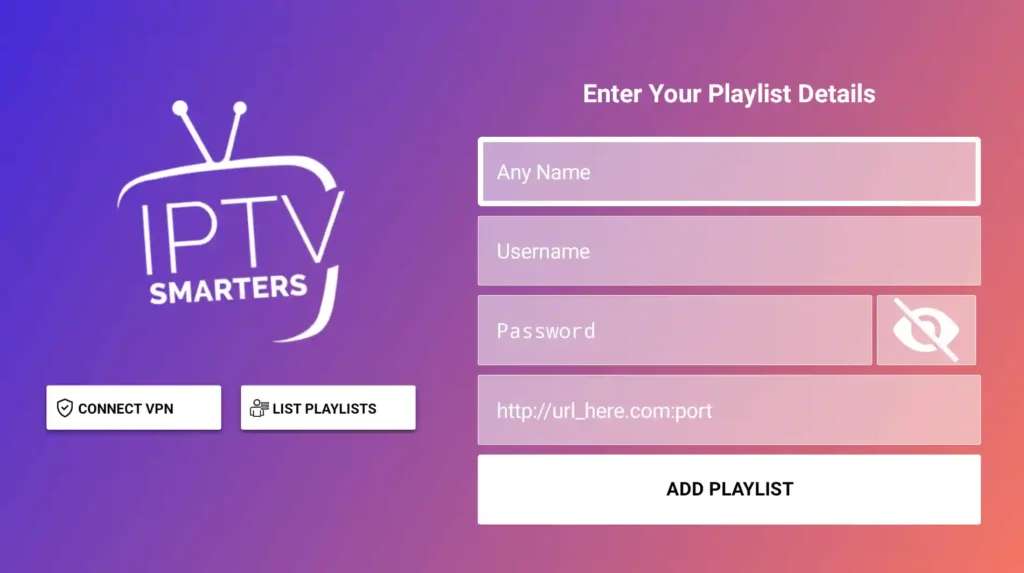
When you open IPTV Smarters Pro for the first time, you will see multiple login options.
This is the easiest and most stable option.
You will need:
Most IPTV providers support Xtream Codes.
⏱ Loading time: 10–30 seconds.
For smoother playback, adjust these settings:
These settings reduce buffering and improve streaming quality.
IPTV Smarters Pro includes:
Navigate using the left-side menu.
A VPN is not required, but it is recommended if:
Choose a VPN optimized for streaming devices.
| Device | Supported |
|---|---|
| Android Phone | ✅ |
| Android TV | ✅ |
| Firestick | ✅ |
| Smart TV | ⚠️ Depends on model |
| iOS | ❌ (Limited / removed) |
IPTV Smarters Pro is a media player app that allows users to stream live TV, movies, and series using IPTV login details. The app itself does not provide channels or content.
Yes, the app is free to use. Some features may require premium activation inside the app.
No. IPTV Smarters Pro is only a media player. You must add your own IPTV service credentials.
Xtream Codes API is recommended for stability and ease of use.
Yes, as long as your IPTV subscription allows multiple connections.
Yes. IPTV Smarters Pro is fully compatible with Android TV boxes, Android smart TVs, and Android phones and tablets.
A VPN is not required, but it is recommended in some cases to protect privacy, avoid ISP throttling, and improve streaming stability.
Buffering can be caused by slow internet, server congestion, or incorrect app settings. Adjusting buffer size, using a stable connection, and restarting the app can help.
IPTV Smarters Pro is a reliable and user-friendly IPTV player when configured correctly.
Once installed and optimized, it provides smooth access to live TV, movies, and series on multiple devices.
👉 For best results, use an IPTV service that supports Xtream Codes, stable servers, and full compatibility with Firestick and Android devices.
KY IPTV is fully compatible with IPTV Smarters Pro and works smoothly across Firestick, Android TV, and mobile devices.